


Google Calendar
See your meetings beside your tasks. Your Google Calendar events stay unchanged.
Rearrange today. Prepare tomorrow. Carry unfinished work forward, with your recorded time right where it belongs.
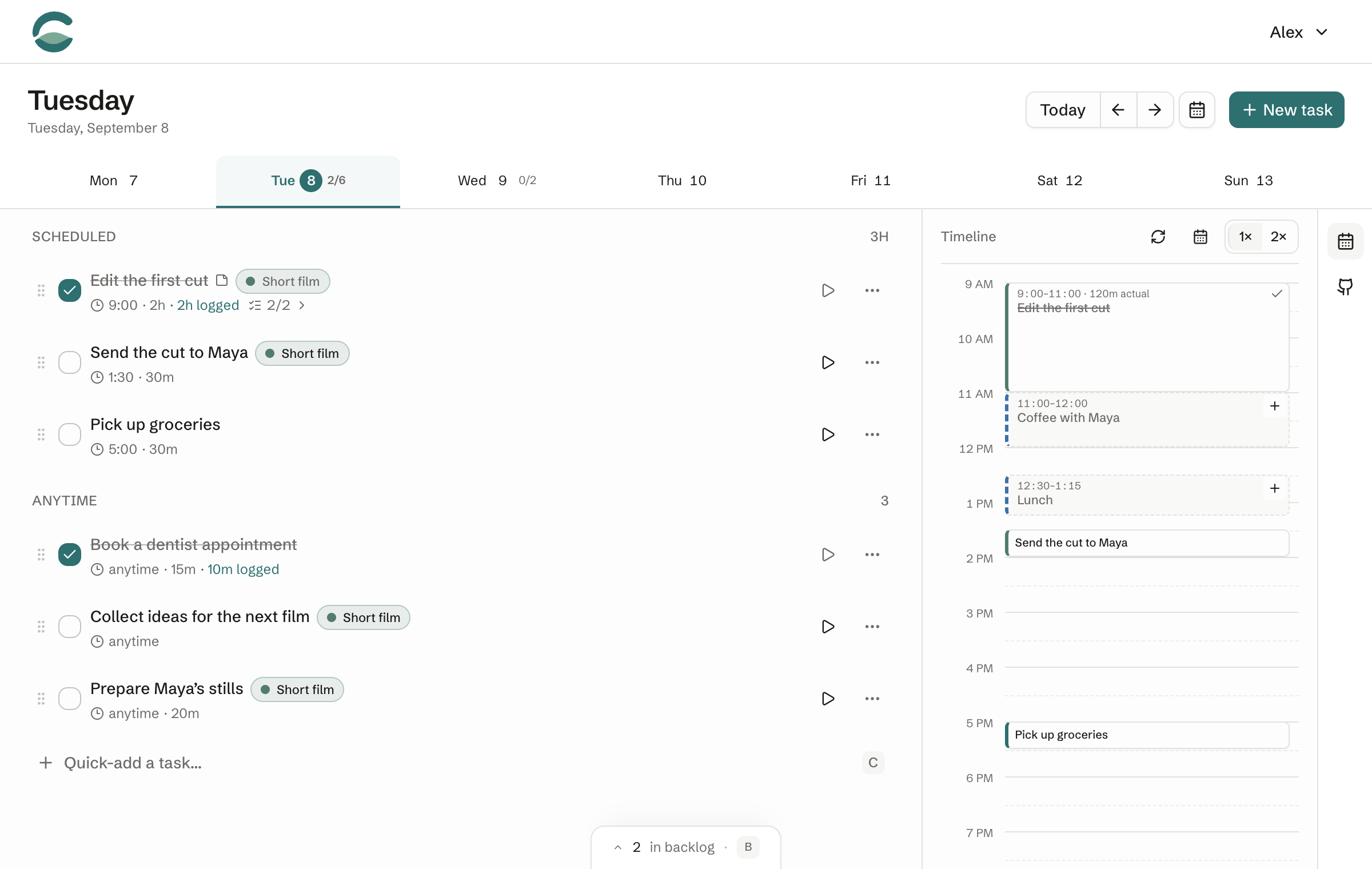
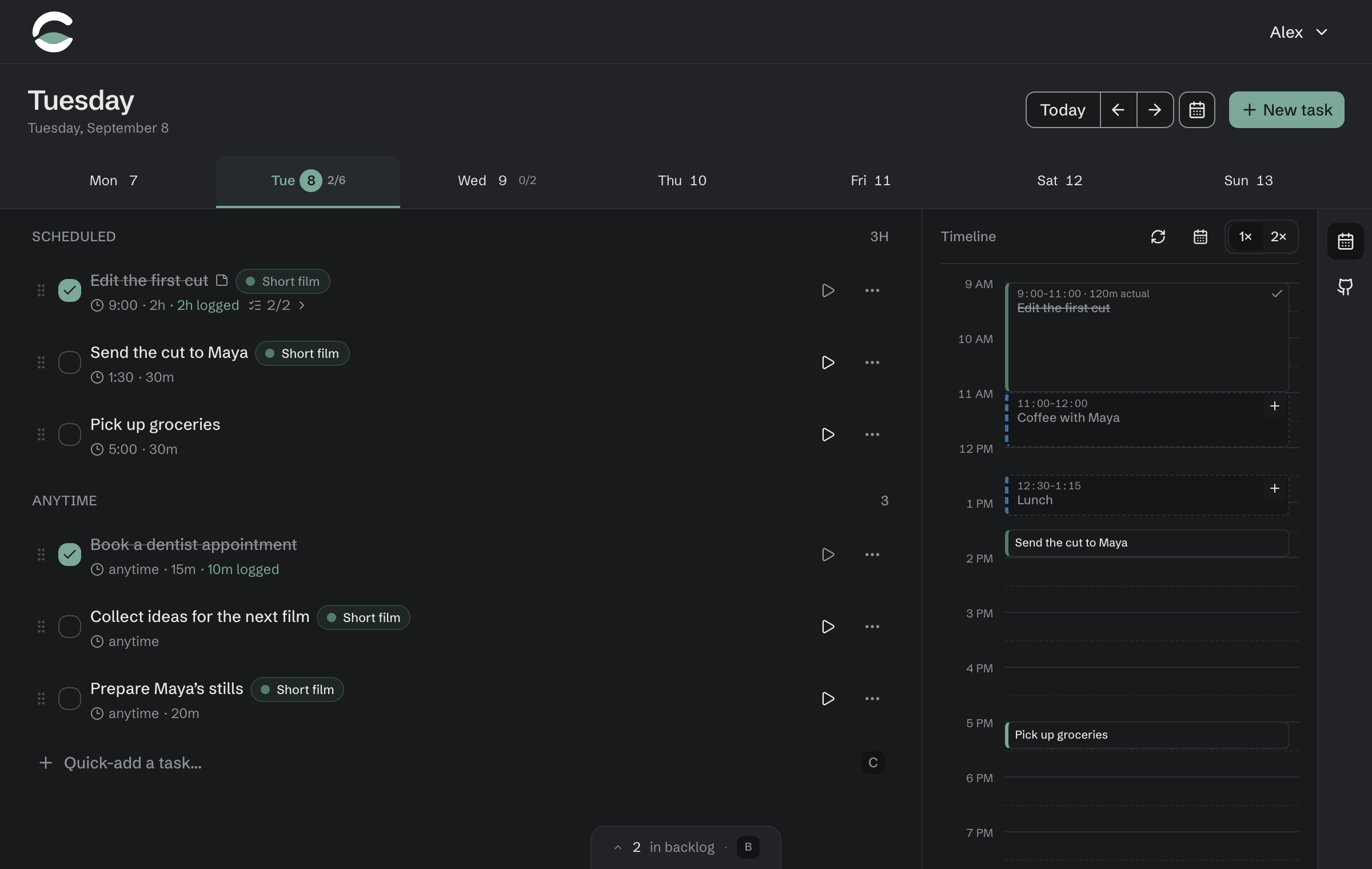
An edit runs long. A new request arrives. Tomorrow takes shape. Follow one day in Clarya.
Choose what to work on, rearrange the afternoon, and move unfinished tasks to tomorrow. Recorded time stays on the day you worked.
Continue a task tomorrow. The time you recorded today stays on today, so changing the plan doesn’t rewrite your work.
20 minutes recorded
You selected the frames. That work stays here.
10 minutes planned
Export and send the stills. Pick up from here.
Example: 20 minutes worked today, 10 minutes estimated for tomorrow.
See your meetings beside your tasks. Your Google Calendar events stay unchanged.


Bring issues and pull requests into your day, with the original work linked.
No. Keep tasks on a day’s Anytime list, or in the backlog until you’re ready to choose a day. Times and estimates are optional.
Connect Google Calendar to see your events alongside your tasks. Choose which calendars appear. Clarya reads your calendar; it doesn’t change your Google Calendar events.
You can move a task to another day whenever you choose. Unfinished tasks also carry forward automatically, keeping any recorded work on its original day.
Public signup is coming soon, with a 14-day free trial and no credit card required. Clarya will be a paid subscription; pricing will be available before signup opens. Request early access if you’re interested in trying it.
Public signup is coming soon. Try Clarya free for 14 days when it opens.
No credit card required.
Opens your email app. You can also write to hello@clarya.io.
Already have an account? Open Clarya